
jackpotmp3 Brings Your Casino Home Together
jackpotmp3 puts Live Casino tables, Jewels of Prosperity, Crash Games and sports markets behind one clear account path, with DANA and QRIS beside the cashier.
Access is available only where local law permits.
Casino And Slots From One Lobby
Our home page places casino and slots in the first lobby view, so you can move from familiar reels to streamed tables without searching through separate account areas.





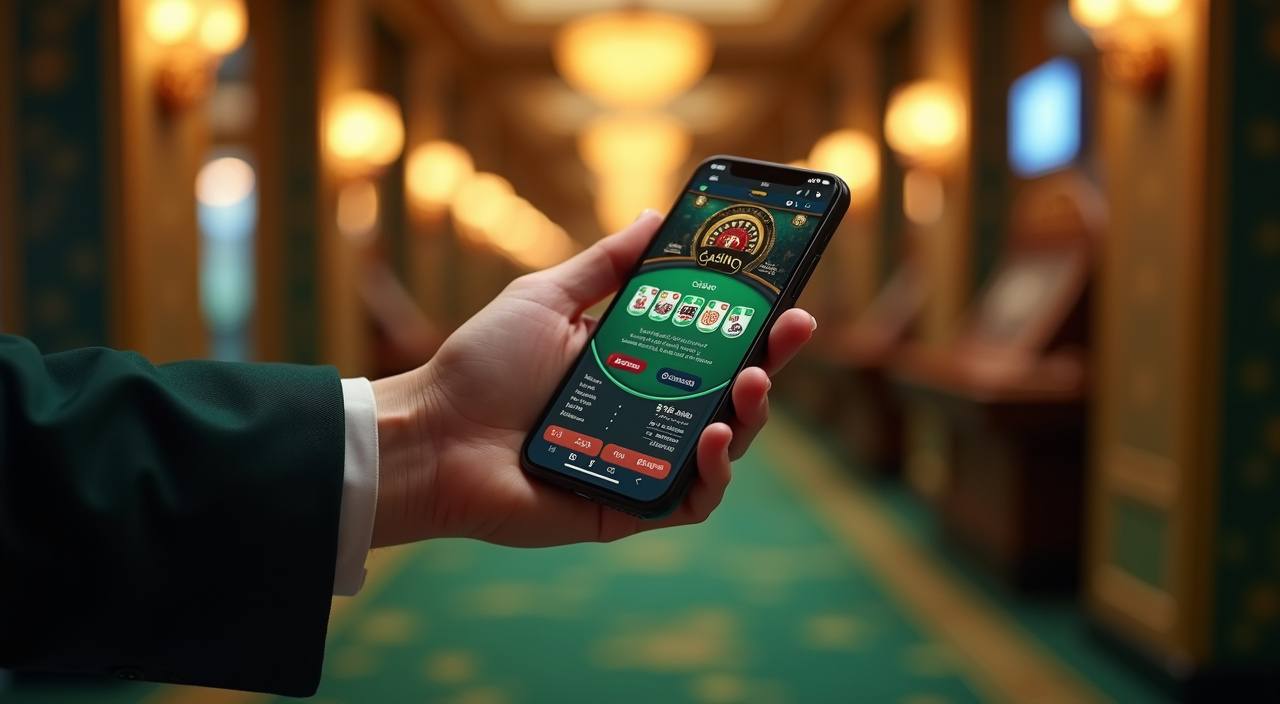


Live Tables Meet Indonesia Slot Favourites

Live baccarat, roulette, Dragon Tiger and blackjack give you direct table choices, while Jewels of Prosperity, Crash Games, Super Bingo and Fishing God cover different session styles. We separate live tables, slots, fishing rooms and bingo so the home page does not become one long mixed list. Football, badminton and basketball markets sit in the sportsbook area rather than interrupting
casino browsing. Search and category controls help you return to a title from your phone, and the same account keeps your casino activity and local wallet status together. Open the lobby when you are ready to compare what is available.
Four Clear Routes From Our Home

Phone Verification Before Lobby Access
Account opening starts with the details requested on the registration screen, followed by clear phone verification before account access. Use a phone number you control, because that step connects your credentials to the account path and helps support identify access issues. Once verification is complete, sign in through the member route on our home page and continue to the lobby.
The same account covers casino categories, sports markets and supported local wallets, which removes the need to create a second profile for the cashier. If login stalls, use the account help route beside the sign-in area rather than opening another account.
Find Casino And Slots By Category
DANA And QRIS Without Wallet Guesswork
DANA, OVO, GoPay and QRIS each have their own cashier choice, so select the rail that matches the wallet you intend to use. QRIS follows the displayed code path, while DANA, OVO and GoPay require you to confirm the wallet details shown during the transaction. Bank transfer and virtual account options use supported Indonesian bank context such as BCA, BRI,
Mandiri and BNI. Before submitting a withdrawal request, check that your account and phone verification are complete and that the displayed destination details are correct. Receipt and status checks remain available through the payment help path when a transaction stalls.
Account And Wallet Facts You Can Check
We show operational details where you need them: phone verification before account access, named payment choices in the cashier and separate categories for live tables, slots and sports.
Clear Account Sequence
Registration details come first, phone verification follows and account access comes after confirmation. This order gives you a defined path before the casino lobby or cashier becomes part of your session.
Named Local Rails
The cashier identifies DANA, OVO, GoPay, QRIS, bank transfer and virtual account separately. You can check the selected method and displayed transaction status without relying on a generic wallet label.
Visible Game Categories
Live Casino, slots, Crash Games, Super Bingo and fishing rooms use distinct lobby categories. Sportsbook topics for football, badminton and basketball remain in their own destination.
Local Access Wording
Casino and sportsbook availability depends on local law. We place access wording near the relevant account and policy routes so you can check eligibility before continuing into the lobby.

Mobile Casino Access With QRIS Nearby
A mobile browser takes you from sign-in to phone verification, the lobby and the cashier through one consistent route. Slot search is designed for a narrow screen, with categories available before you open a game, while live tables remain easy to reach when you want baccarat, roulette, Dragon Tiger or blackjack. QRIS access stays close to wallet status, and DANA,
OVO and GoPay remain separate choices rather than being combined under one unclear label. When you return on a larger computer screen, use the same credentials and account. Game availability and access depend on local law.
Choose Your Local Payment Path
Each cashier method starts from a named option, allowing you to match the transaction path to your wallet or bank route before entering details.
Return From Casino To Cashier Clearly
Our casino and slots lobby keeps the cashier route available without mixing payment controls into game cards.
Protect Your Verified Phone Account

Your verified phone is part of the account access sequence, so use a number and credentials that remain under your control. Enter the member area through our home page, check the page destination before submitting details and avoid sharing verification messages or passwords. The casino, sportsbook and supported wallets use one account, which means an access issue can affect every
connected area. If your login no longer works, follow the account help path beside sign-in and provide only the details requested there. Support can address access status without asking you to create a replacement profile or repeat unrelated payment steps.
Account Help At The Right Step
Support routes are placed around the tasks most likely to need a status check. Login help sits near account access, while payment receipt and wallet status checks begin from the cashier path. This separation helps you send the relevant account or transaction details without describing an unrelated game session. For a wallet issue, identify whether you used DANA, OVO, GoPay, QRIS, virtual account or bank transfer and keep the receipt reference ready. For access trouble, use your verified phone details. Never place passwords or verification messages in a payment receipt field.
Login And Verification
Use the account help route beside sign-in when phone verification or login stalls. Provide the account identifiers requested on that path, but do not send your password or verification message.
Wallet Status Checks
Start from the cashier when DANA, OVO, GoPay or QRIS status does not update. Name the selected rail and keep the payment receipt reference available for the transaction check.
Bank Payment Help
For virtual account or bank transfer questions, compare the displayed destination with your receipt first. Include the relevant transfer reference when using the cashier support path for a status check.
Indonesia Availability And Policy Access
Casino and sportsbook access depends on local law, account eligibility and the availability shown for your location. Check the policy links reached from our home page before opening an account, especially the terms covering account verification, transactions and access. Availability can differ across casino titles, streamed tables and sports markets, so the lobby display for your signed-in account is the
relevant place to check. DANA, OVO, GoPay, QRIS, virtual account and bank transfer may also require matching account details. If an access message appears, use the account help route rather than changing your location or entering different identity details.
Answers About The jackpotmp3 Home
These answers cover the practical questions you may have before using our home page: what sits inside the lobby, how account access works, which Indonesia payment rails appear in the cashier and where to check a stalled status. They also explain the mobile route, local availability wording and the difference between casino and sportsbook areas. Start with the account path when you are new, or head directly to the relevant lobby, cashier or help destination when you already have credentials. Access depends on local law and the availability shown for your account.